
CAD Services, Tutoring & Coaching
This page is for people who need practical CAD help, whether that means fixing files, building standards, improving workflows or learning the software properly.
Services
AutoCAD and BricsCAD services for individuals, engineering teams, CAD managers and technical businesses.
My focus is not just producing drawings. I help improve the way CAD work is done, whether that means repairing a DWG, creating Dynamic Blocks, building a company template, modelling from point clouds, setting up standards or making a workflow easier to manage.
BIM / IFC modelling
%20(1)_edited.jpg)
Practical AutoCAD and BricsCAD training customised to the work you really do.
One-to-one, online CAD tutoring and coaching for AutoCAD and BricsCAD users, from complete beginners to experienced professionals who need help with a specific task, feature or project.
Rather than following a generic course, sessions can be built around your own drawings, company standards and live projects. This makes the training immediately useful and gives you practical answers you can apply straight away.
-
AutoCAD & BricsCAD fundamentals
-
2D, 3D, Mechanical, Point Cloud, Civil and BIM
-
3D modelling
-
Layers and drawing standards
-
Templates, Layouts Plotting and PDF output
-
Blocks and attributes
-
Annotation and scaling
-
Troubleshooting
-
AutoCAD to BricsCAD Migration
-
And more!
One block can do a lot more than you think.
AutoCAD and BricsCAD Dynamic Blocks that replace large libraries of static blocks with intelligent, reusable components.
Dynamic Blocks can change size, orientation, visibility, configuration and geometry while keeping drawings consistent and easy to maintain.
Your existing Dynamic Block page already covers stretch, rotate, flip, arrays, lookups and visibility controls, so this remains a strong standalone service. felttipfaerie
-
Dynamic Block creation
-
Existing block debugging
-
Stretch, move, rotate and flip actions
-
Visibility states
-
Lookup tables
-
Arrays
-
Attributes
-
Parametric behaviour
-
Block library development
-
Complex multi-action blocks
-
AutoCAD and BricsCAD compatibility

More just a title block.
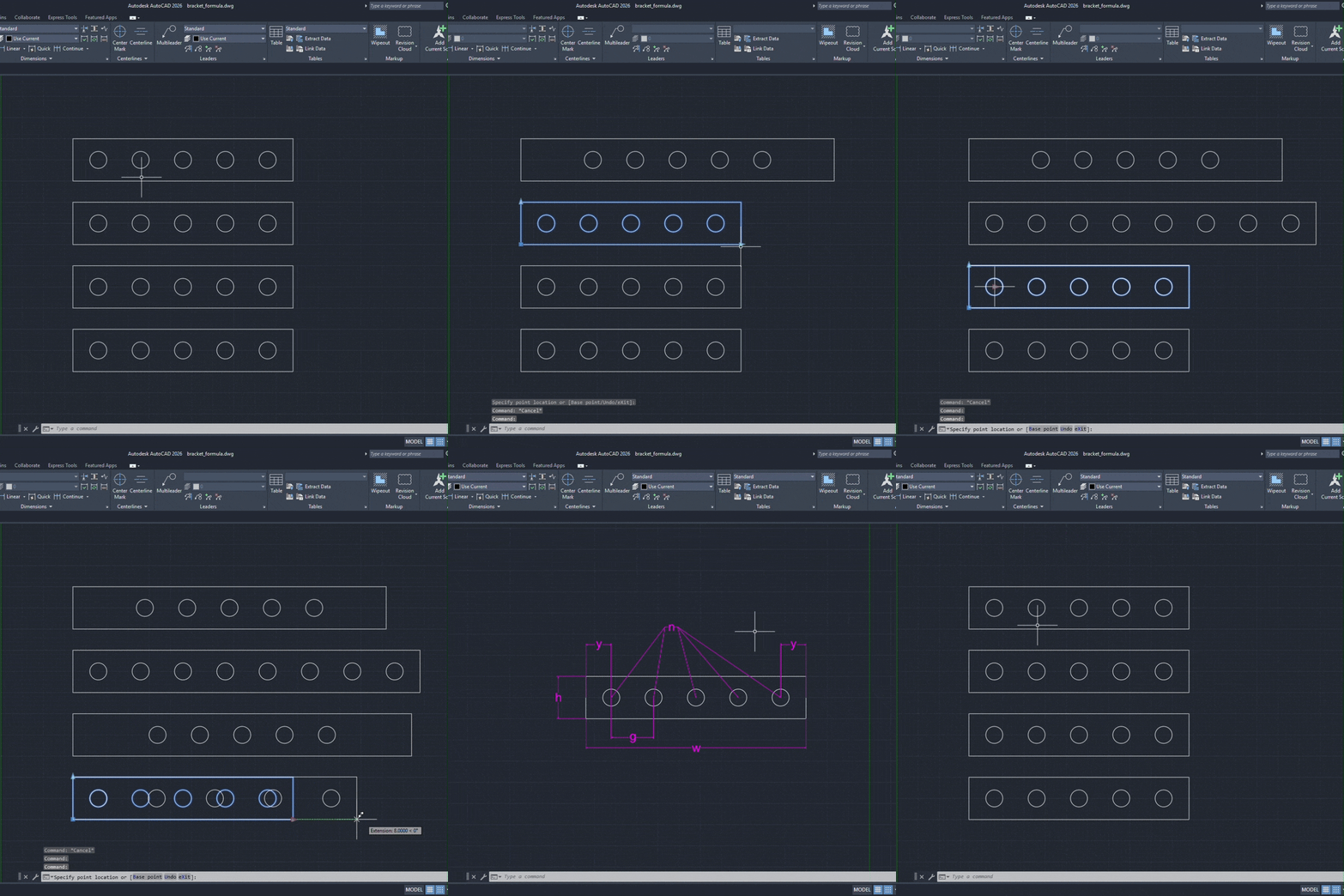
Professional AutoCAD and BricsCAD company templates,, layouts, drawings standards, settings, profiles and customizations designed around how your team actually works.
I can create a new CAD environment from scratch or review and rebuild an existing company template.
A properly configured template removes repetitive setup, improves drawing consistency and makes it easier for everyone to follow the same standards.
-
AutoCAD & BricsCAD DWT templates
-
Text dimmension and annotation styles
-
Tool pallete creation
-
AutoCAD to BricsCAD migration
-
Layouts, viewports, title blocks and page setups
-
CTB and STB plotting configuration
-
Drawing units and scales
-
Standard block libraries
Turn survey data into usable BIM geometry.
point cloud to BIM and Scan to BIM modelling, with a particular focus on IFC and openBIM workflows rather than forcing everything through Revit.
Models can be produced from laser scans and point-cloud data for renovation, existing-building documentation and technical workflows.
-
Point cloud review
-
Scan to BIM modelling
-
Existing building modelling
-
IFC model creation
-
Walls and floors
-
Roof geometry
-
Doors and windows
-
Columns and structural elements
-
Building geometry
-
BIM properties and metadata
-
Model checking
-
DWG and IFC output

.png)
Your biggest CAD problem might not be the software.
CAD workflows often contain manual processes that have existed for years simply because nobody has had time to question them. I review your current workflow and identify where it can be simplified, standardised or automated.
You receive practical recommendations prioritised around effort, impact and realistic implementation.
This can then lead into automation, templates, Dynamic Blocks or custom CAD development if required.
-
Workflow reviews
-
Drawing setup
-
Code Review and modernisation
-
Template and block management
-
Standards, file structure and team consistency
-
Automation, LISP and 3rd party application opportunities
-
CAD migration advise & support
-
Import and Export
Clear, professional and easy to understand
Professional technical text and image creation and editing services. Drawings can be created from existing vectors, photographs, images, sketch, 3D models and more.
-
2D technical drawings
-
Existing .DWG, .SVG, and .AI edits
-
Plans and elevations
-
Sections
-
Assembly/Disassembly drawings
-
Technical diagrams
-
Instructional writing
-
Drawing cleanup
-
Legacy drawing conversion
-
PDF to CAD
-
Raster to vector conversion

And More!
I can help, so get in touch!